Digital Banking FAQs
Welcome to Your New Digital Banking Experience!
Enbright Credit Union is thrilled to announce a major upgrade to our digital banking platform! This update brings you a fresh, modern way to manage your finances, packed with improved tools, stronger security, and a smoother overall banking experience.
*Re-enrollment will not be available until August 25th, 2026 at 8am*
What to Expect
With these improvements, you’ll be able to take even more control over your finances and enjoy a convenient, simple way to bank. This upgrade comes with some important changes, so please review the information below.
Important Dates & Information
Launch Date: August 25th, 2026
Bill Pay will not be available August 21st – August 25th @ 10:00am
All of your history and current Bill Pays will transfer over to the new system, however you will not be able to set up any new Bill Pays during this time.
Online Banking will not be available August 24th @ 5:00pm – August 25th @ 8:00am
Members must visit onlinebanking.enbrightcu.com and follow the steps to enroll in the new online banking tool
*Re-enrollment will not be available until August 25th, 2026 at 8am*
New Features & Benefits
24/7 Access
Access your accounts and services anywhere, at any time that’s convenient for you. Bank on your schedule, not ours.
Enhanced Security
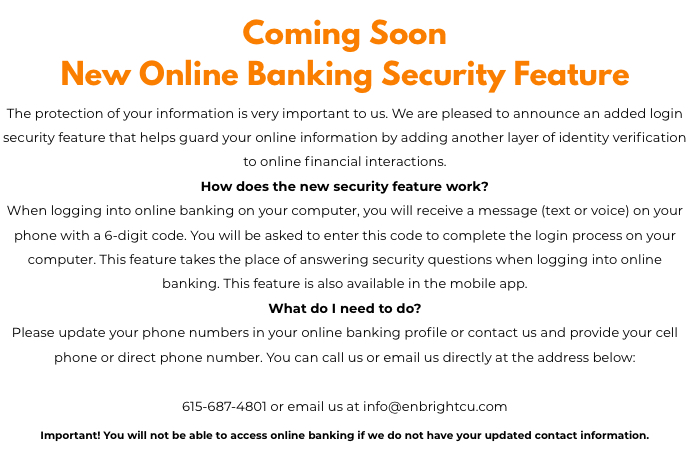
Bank confidently knowing your access and information are protected with advanced security features including biometric login and multi-factor authentication.
External Transfers
Easily send money from your Enbright Credit Union account to other financial institutions.
Person-to-Person Transfers
Easily send money from your Enbright Credit Union account to other financial institutions.
Improved Bill Pay
Easily send money from your Enbright Credit Union account to other financial institutions.
Mobile Check Deposit
Easily send money from your Enbright Credit Union account to other financial institutions.
Custom Account Alerts
Stay informed with customizable alerts sent via text or email for account activity and security notifications.
Frequently Asked Questions
Getting Started: Re-Enrollment
Do I Need to Re-Enroll?
Before You Begin:
What You'll Need:
- Your Enbright account number
- Current email address
- Mobile phone number
Enrollment & Access
Do I need to enroll in both online and mobile banking separately?
Can I reset my password on my own?
What if I can't see an account I used to access?
Your Accounts & Cards
Will my account numbers change?
Will my debit and credit cards be affected?
What about my direct deposits?
What's staying the same?
- Account Numbers – All account numbers remain unchanged
- Debit & Credit Cards – Your cards will continue to work normally
- Direct Deposits – Payroll, pension, and Social Security deposits are unaffected
- Loan Payment Due Dates – All payment schedules remain the same
- Automatic Transfers – Existing transfers will continue (though new recurring transfers should be set up in the new system after transition)
Transfers & Payments
What will happen to my recurring transfers and bill payments?
Will Bill Pay work the same way?
Statements & History
How do I access my statements?
Will my prior transaction history be available?
I can't open eStatements or documents. What should I do?
Account Alerts
Will my alerts carry over?
Mobile Features
Will Mobile Check Deposit work the same?
*Re-enrollment will not be available until August 25th, 2026 at 8am*